
I Built a Task Manager Inside Neovim Because Exiting Is Too Hard
I got tired of alt-tabbing to check my TODO list. So I built one inside my editor. Because of course I did.
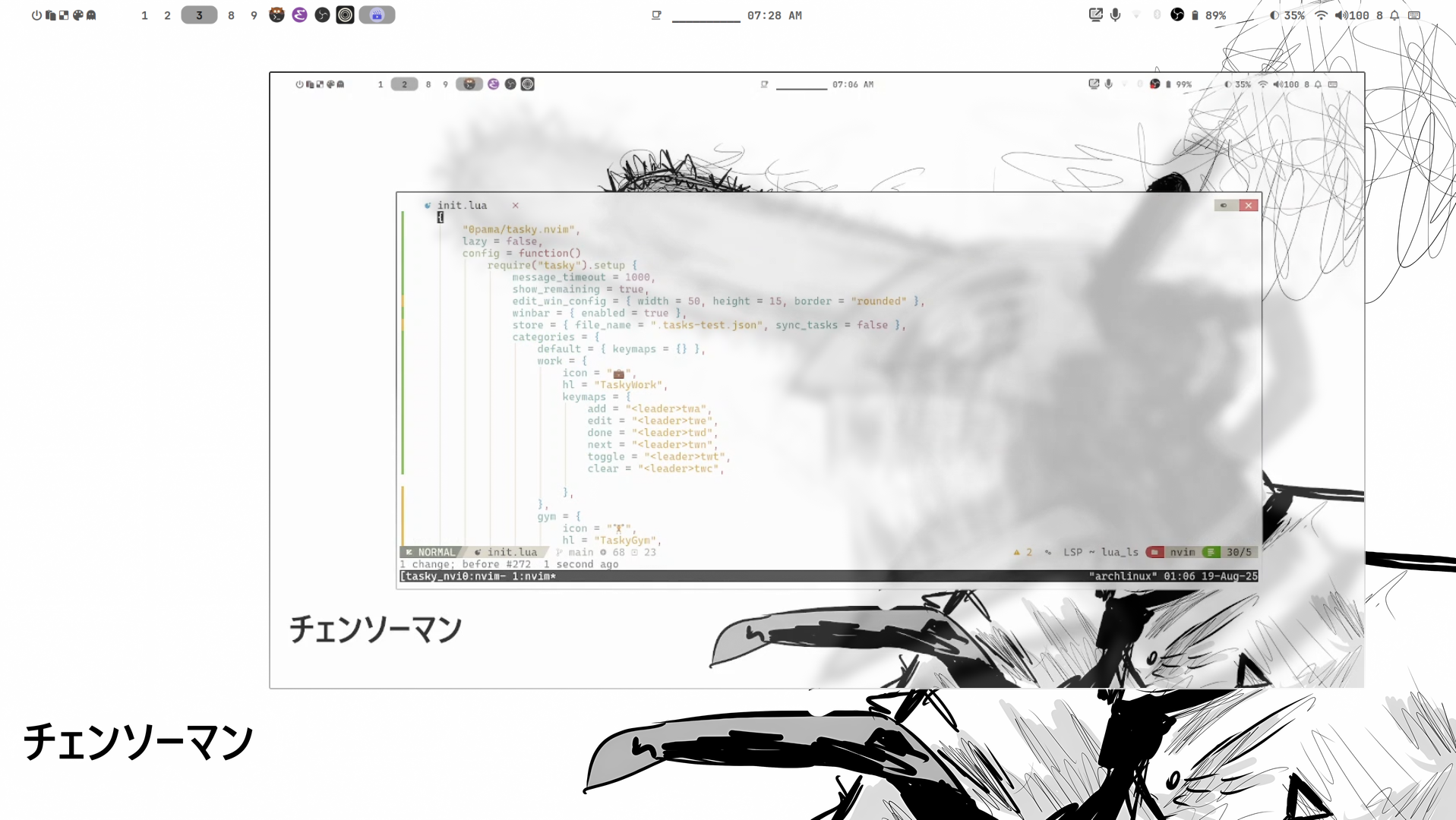
I use Neovim for everything. Code, notes, config files, sometimes reading PDFs because I refuse to learn new tools.
The problem: task management. I'd be mid-sprint, hit a bug, alt-tab to check my TODO list in another app, and come back having forgotten what I was doing. Context switching kills flow.
So I built Tasky.nvim.
It's a Neovim plugin that keeps tasks inside the editor. Mnemonic keybinds, project-scoped lists, no alt-tabbing. Type a key, see your tasks. Type another, mark one done. Stay in the zone.
The why
Everyone says "use Notion" or "use Linear" or "write it on a whiteboard." Those work if your flow includes leaving your editor. Mine doesn't. I live in Neovim. My task manager should too.
Also: I was bored one weekend and wanted to write Lua.
How it works
Tasks are scoped per project. Open a project, hit the keybind, see what you were working on. Add tasks without leaving insert mode. It's stupid simple. That's the point.
The hardest part was making the keybinds mnemonic enough that I don't forget them. I forget everything. Phone numbers, birthdays, what I ate yesterday. If the keybind isn't obvious, I'll never use it.
State
It works. I use it daily. Still adding features when I find something missing.
But honestly? The real win is not having to leave my editor. Every alt-tab is a chance to open Twitter instead of doing work. Removing that temptation is worth more than any feature I could add.
You can find it at https:/github.com0pama/tasky.nvim if you also hate alt-tabbing.