
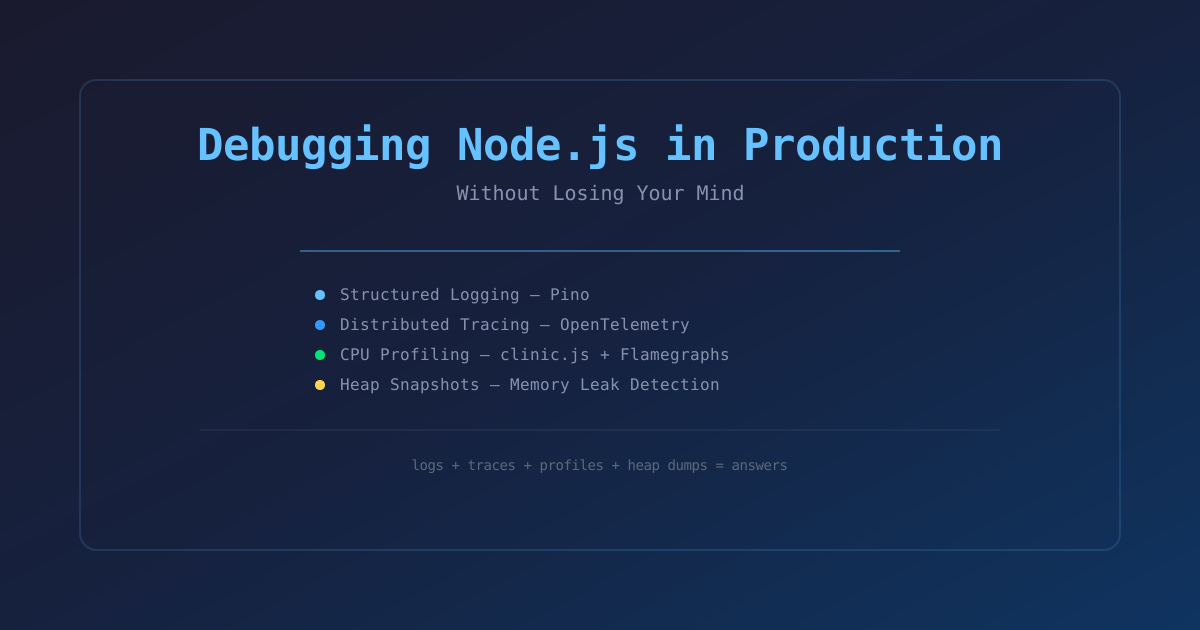
Debugging Node.js in Production Without Losing Your Mind
A practical guide to debugging Node.js applications in production — profiling, tracing, logging, and the tools that actually help when things go wrong.
Introduction
Production debugging is a fundamentally different skill from development debugging. In development, you have a debugger, a REPL, and the freedom to add console.log and re-run. In production, you're operating in the dark — you can't stop the server, you can't add logging without a deploy, and the issue probably only happens under real load anyway.
I've spent the last six years debugging Node.js in production — from memory leaks that crashed servers at 3 AM to mysterious latency spikes that only happened during peak traffic. This guide covers the techniques and tools that I've actually used to solve real production issues.
"The hardest part of debugging a production issue is not finding the bug. It's figuring out what questions to ask the system before you even start looking."
Step 1: Structured Logging
The foundation of production debugging is good logs. Not console.log statements that you swear you'll clean up later — structured JSON logs that tools can parse.
Pino — The Good Logger
Stop using console.log. Stop using Winston. Use Pino.
import pino from 'pino';

const logger = pino({
  level: process.env.LOG_LEVEL || 'info',
  formatters: {
    level(label) {
      return { level: label };
    },
  },
  serializers: {
    req: pino.stdSerializers.req,
    res: pino.stdSerializers.res,
    err: pino.stdSerializers.err,
  },
  transport: {
    target: 'pino-pretty',
    options: { colorize: true },
  },
});

logger.info({ userId: 123, action: 'login' }, 'User logged in');
logger.error({ err, requestId: 'abc' }, 'Failed to process request');
Why Pino? It's 5x faster than Winston, produces JSON by default (so you can pipe it into anything), and has first-class support for serializers, child loggers, and log levels.
What to Log
Every request that goes through your API should produce one structured log entry at the end:
// Express/Fastify middleware pattern
app.use((req, res, next) => {
  const start = Date.now();
  res.on('finish', () => {
    logger.info({
      method: req.method,
      path: req.path,
      status: res.statusCode,
      duration: Date.now() - start,
      requestId: req.headers['x-request-id'],
    }, 'request completed');
  });
  next();
});- Always log request ID, method, path, status code, and duration
- Never log passwords, tokens, or PII (use Pino serializers to redact)
- Use a unique request ID (generated at ingress, propagated through the system)
Step 2: Tracing with OpenTelemetry
Logging tells you what happened. Tracing tells you where it happened — which service, which function, which database query.
Setting Up OpenTelemetry
import { NodeSDK } from '@opentelemetry/sdk-node';
import { OTLPTraceExporter } from '@opentelemetry/exporter-trace-otlp-http';
import { Resource } from '@opentelemetry/resources';
import { SemanticResourceAttributes } from '@opentelemetry/semantic-conventions';

const sdk = new NodeSDK({
  resource: new Resource({
    [SemanticResourceAttributes.SERVICE_NAME]: 'api-gateway',
  }),
  traceExporter: new OTLPTraceExporter({
    url: 'http://otel-collector:4318/v1/traces',
  }),
});

sdk.start();
Creating Traces
import { trace } from '@opentelemetry/api';

const tracer = trace.getTracer('user-service');

async function getUser(userId: string) {
  // This creates a child span within the current trace context
  return tracer.startActiveSpan('getUser', async (span) => {
    span.setAttribute('user.id', userId);
    try {
      const user = await db.query('SELECT * FROM users WHERE id = $1', [userId]);
      span.setAttribute('db.query.success', true);
      return user;
    } catch (err) {
      span.recordException(err);
      span.setAttribute('db.query.success', false);
      throw err;
    } finally {
      span.end();
    }
  });
}
Traces tell you that a slow request spent 800ms in the database and 47ms in your application code. That's actionable.
Step 3: CPU Profiling in Production
When your Node.js process is burning CPU but not obviously leaking memory, you need a CPU profile.
Using clinic.js
npm install -g clinic

# Generate a flamegraph
clinic flame -- node server.js
This runs your app, generates a flamegraph, and opens it in your browser. The flamegraph shows you exactly which functions are consuming CPU time.
Runtime Sampling with v8-profiler-next
For profiling a running process without restarting:
import { Session } from 'inspector';

async function takeCpuProfile(durationMs = 10000): Promise<void> {
  const session = new Session();
  session.connect();

  session.post('Profiler.enable');
  session.post('Profiler.start');

  await new Promise((resolve) => setTimeout(resolve, durationMs));

  session.post('Profiler.stop', (err, { profile }) => {
    if (!err) {
      fs.writeFileSync('profile.cpuprofile', JSON.stringify(profile));
    }
    session.post('Profiler.disable');
    session.disconnect();
  });
}
Open the .cpuprofile file in Chrome DevTools (chrome://inspect → Open dedicated DevTools for Node → Profiles tab). It renders the same flamegraph visualization.
A Real Case
I once had a Node.js service that spiked to 100% CPU every hour. A CPU profile revealed it was a setInterval that ran a JSON.parse + JSON.stringify on a growing cache object. The cache had 500K entries after an hour. The fix: add a TTL and a size limit. CPU dropped to 5%.
"Every Node.js production issue is either a memory leak, a CPU loop, or an unhandled promise. Profile first, guess second."
Step 4: Memory Leak Detection
Heap Dumps
import { Session } from 'inspector';
import * as fs from 'fs';

async function takeHeapSnapshot(): Promise<void> {
  const session = new Session();
  session.connect();

  const chunks: Buffer[] = [];
  session.on('HeapProfiler.addHeapSnapshotChunk', (data: any) => {
    chunks.push(Buffer.from(data.params.chunk));
  });

  session.post('HeapProfiler.takeHeapSnapshot');
  // Wait for the snapshot to complete
  await new Promise((resolve) => setTimeout(resolve, 5000));

  fs.writeFileSync('heap.heapsnapshot', Buffer.concat(chunks));
  session.disconnect();
}
Load the .heapsnapshot file in Chrome DevTools Memory tab. Compare two snapshots taken at different times. Growing object counts = memory leak.
What to Look For
(array)or(object)entries growing between snapshots- Detached DOM nodes (unlikely in Node.js but relevant for SSR)
- Closure variables holding references to large objects
- Event listeners that were never removed
Common Patterns
// BAD: Cache that never clears
const cache = new Map();
app.get('/api/data', (req, res) => {
  const result = expensiveOperation();
  cache.set(req.ip, result); // GROWS FOREVER
  res.json(result);
});

// GOOD: Bounded cache with TTL
import QuickLRU from 'quick-lru';
const cache = new QuickLRU({ maxSize: 1000, maxAge: 60000 }); // 1000 items, 60s TTL
Step 5: Request Tracing in Practice
When a user reports "the site is slow," here's the actual workflow:
- Check the logs: Find the request by approximate time and user ID
- Find the trace ID: The log entry has a
traceIdfield - Open the trace: In Jaeger or your tracing backend, look up the trace
- Find the slow span: The trace shows each span with its duration
- Drill in: The slow span has attributes — database query, external HTTP call, computation
- Fix it: Write a test, add an index, cache the result, or remove the N+1 query
"Nine out of ten production issues in Node.js are solved by logs + traces + a database index. The tenth is a memory leak, and that's what heap snapshots are for."
Essential Tools Reference
| Tool | Use Case | Install | |------|----------|---------| | Pino | Structured logging | npm install pino | | OpenTelemetry | Distributed tracing | npm install @opentelemetry/sdk-node | | clinic.js | CPU profiling, flamegraphs | npm install -g clinic | | Jaeger | Trace visualization | docker run jaegertracing/all-in-one | | quick-lru | Bounded caches | npm install quick-lru | | why-is-node-running | Stuck process debugging | npm install why-is-node-running |
The Golden Rules
- Log structured data, not strings — JSON logs are parseable. String logs are noise.
- One trace per request, end to end — propagate the trace context through your entire system.
- Profile before optimizing — the flamegraph tells you what's slow. Your intuition is wrong.
- Heap dumps catch what monitoring misses — a memory leak takes weeks to notice but seconds to find with a heap snapshot.
- Unhandled promise rejections kill Node processes — add a global handler on day one.
process.on('unhandledRejection', (reason, promise) => {
  logger.fatal({ err: reason }, 'Unhandled promise rejection');
  // Don't exit — but DO alert
});
Conclusion
Production debugging is a skill that only improves with experience. But the toolkit is consistent: structured logs, distributed traces, CPU profiles, and heap snapshots. Master these four tools and you can debug almost anything in production.
The key is building the observability infrastructure before you need it. Adding logging after an outage is too late. Adding tracing after a performance regression means you can't compare before and after. The time to instrument is before anything goes wrong — while your system is healthy and you can establish a baseline.