
How To Protect Your Linux Server From Hackers!
Every tech blog has this post. Here's the version that actually explains why each tip exists and whether it matters.
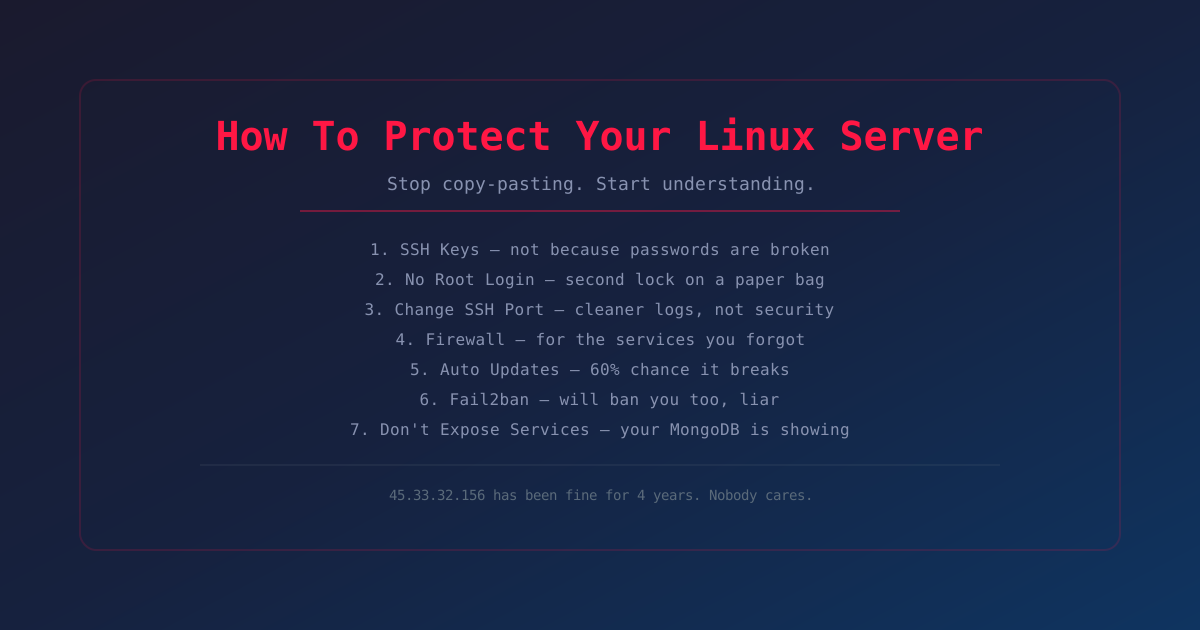
Everyone writes this post. Here's the version where I explain why instead of telling you to obey.
Also: 45.33.32.156 has been on the internet for 4 years. Never hacked. Not because I'm good at security. Because nobody cares about my server. Including me.
1. Disable Password Login
Use SSH keys. Stop using passwords.
Passwords are guessable. Keys aren't. If your password is "admin123" — yeah, disable that. If it's 40 random characters from a password manager, nobody is brute-forcing that before the sun explodes.
The real threat is you reusing the same password everywhere and one of those sites getting hacked in 2012. Use keys because they're convenient and you can't accidentally paste them into a phishing form. Not because passwords are broken.
Also
Every "security" person who says passwords are insecure uses a password manager that stores all their passwords in one place. Think about that.
2. Disable Root Login
PermitRootLogin no. Create a user with sudo.
Root is the most targeted username. Bots try "root" first. If root can't log in, they have to guess a username too. But "root" is not special. If your username is "admin" or "deploy" or "vagrant" (lol), bots will try those too.
The actual fix: making someone guess two things instead of one. Marginally harder. Like putting a second lock on a paper bag.
And once you give sudo, they're root anyway. This is about auditing, not security. You know who ran the command. That's it.
3. Change SSH Port
Move SSH from port 22.
Anyone who wants in will find your server with an nmap scan in 30 seconds. This is security through obscurity with extra configuration.
The real reason
Cleaner logs. Port 22 gets hammered by bots 24/7. Thousands of failed attempts a day. Change the port and that noise drops to zero.
Say "I don't like looking at logs" instead of "I'm hardening my server."
4. Firewall
ufw default deny incoming.
If your server only listens on 80 and 443, adding a firewall that blocks everything except 80 and 443 doesn't change anything technically. Those ports are already open. Everything else is already closed.
The real reason
You don't know what you're running. A service you opened for testing and forgot. A Docker container that exposed a port. That time you installed a Minecraft server and never turned it off.
The firewall is for the services you forgot. It's a parent checking your pockets before laundry.
Also
Docker's --network host bypasses your firewall. Docker people don't know this. Tell them.
5. Auto Updates
Enable unattended-upgrades.
Most breaches are not zero-days. They're known vulns with patches that existed for months. Someone didn't apply them.
The real reason
Auto-updates can break things. That thing you built 2 years ago and haven't touched? 60% chance it breaks.
Enable for security patches only. Or run apt upgrade manually once a week. That's already more than most people do.
6. Fail2ban
Bans IPs that fail too many times.
Bots are dumb. Same IPs, same passwords, forever. Fail2ban watches logs, bans after X failures.
If someone is actually targeting you, they'll rotate IPs. But 99.9% of traffic is bots. Fail2ban stops those.
Also
It will ban your own IP if you mistype your password 3 times. This has happened to everyone. Liars are excluded.
7. Don't Expose Services
Bind everything to 127.0.0.1 unless it needs to be public.
Your database doesn't belong on the internet. Your Redis doesn't. That dashboard you built at 3 AM doesn't.
The real reason
People open ports for convenience. "I'll secure it later." Three years later it's on Shodan with a default password.
Someone reading this has a MongoDB instance open to the internet. You know who you are. Go fix it.
The Actual List
The rest is noise:
- SSH keys — convenient, can't leak
- Firewall — catches what you forgot
- Updates — patch known vulns
- Know what's running — turn off what you don't need
- Backups — everything fails eventually
The most secure server is the one you know well enough to notice when something is wrong. Not the one with the most config changes.
45.33.32.156 knows.